Self-hosted crypto trading bot

Your strategies, your rules, your machine.

Apathia is a crypto trading bot you run on your own computer or server. Build strategies from technical indicators, test them on past prices, get alerts when they fire, and run them live or on paper. Your exchange API keys stay on your machine.

Trade

Run a strategy around the clock on your own machine.

Line drawing of a chart panel linked to an exchange arrow

Live trading

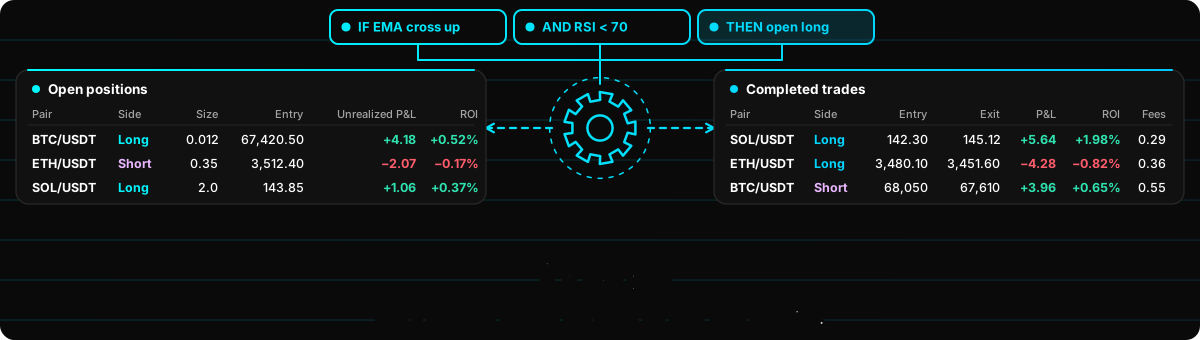
Run a strategy live with your exchange API keys, on the markets that exchange exposes for those keys, including margin leverage when the exchange exposes it for the account. Follow open positions and completed trades with ROI and P&L, and keep an eye on the bot from the companion mobile app.


Line drawing of a play-money wallet with a coin and a clock

Paper trading

Run any strategy around the clock with a play-money balance from the Trading Center. It reads live prices from the exchange, so you can watch how your rules trade before any real money is involved.

Line drawing of a clock above three staggered market-session bars

Trading hours

Choose when a strategy may open positions: your own hours in your time zone or UTC, or the Tokyo, London or New York session. Set a daily session-end exit to be flat by the close. Exits keep working around the clock.

Line drawing of a small server stack with a padlock

Your machine, your keys

Runs on your own computer or server with Docker (Windows, macOS, Linux, or a 64-bit Raspberry Pi). Exchange API keys are stored encrypted on your machine and used only to talk to your exchange. Your data is plain files in one folder you can back up.

Signals

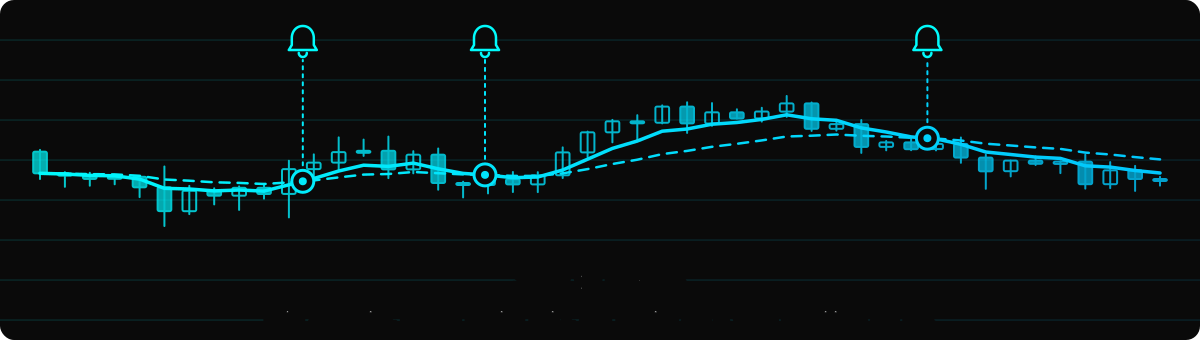
Build strategies, choose trading pairs, and receive alerts when conditions are met

Line drawing of a bell above envelope, paper-plane, chat and webhook icons

Alerts

Get an alert on Telegram, Discord, email or a webhook when a strategy's entry or exit fires. Prefer manual trading? Use signals to let you know when to submit an order on your exchange.

Line drawing of stacked rule blocks with toggles ending in a checked block

Strategy builder

Build a strategy from entry and exit rules. Choose Buy (long) or Sell (short), add conditions such as "RSI crosses above 30", add time rules like an opening-range breakout, and pick an exit: Standard Exit (take-profit and stop-loss), Indicator-Based Exit, or Buy and Hold. A time stop is optional on Standard Exit and Indicator-Based Exit.

Line drawing of an oscillator between two bands above a histogram with a signal line

Indicators

Use common technical indicators such as RSI, MACD, moving averages, Bollinger Bands and Supertrend. The docs explain what each one shows and what its settings do.

Line drawing of a stack of strategy cards showing a crossover, with a plus badge

Strategy Library

Or start from a ready-made strategy, like Golden Cross. Add it to your strategies and edit it like your own.

Backtest

Test your strategy against past candles to see exactly how it would’ve performed

Line drawing of faded candles with an equity line up to a playhead

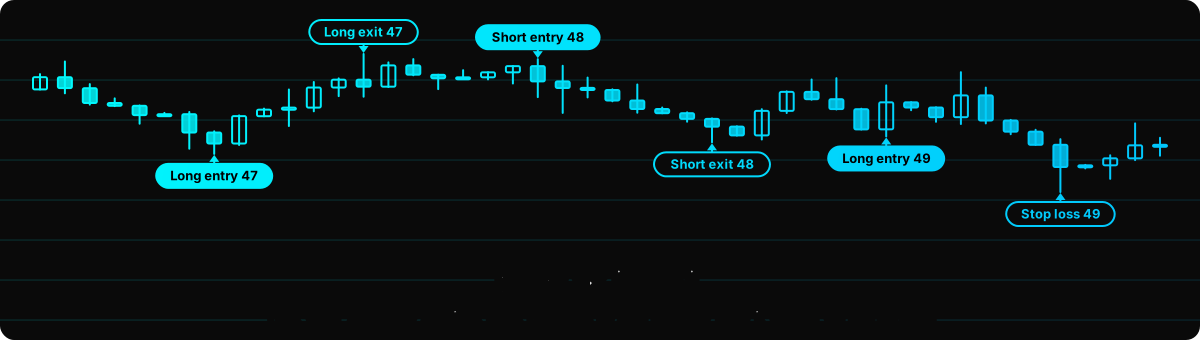
Replay on past candles

Run a strategy on past candles and see each trade on the chart. A backtest shows how your rules behave. It does not predict the future.

Line drawing of three stacked strategy charts sharing one time range, the best one highlighted

Compare strategies

Backtest several strategies over the same time period side by side and see which one would have performed best on past candles.

Line drawing of a table of trade rows with a header and markers

Trades table

Every trade is listed in a table with entry, exit, fees, P&L and ROI, so you can check exactly what the rules did.

Line drawing of a settings panel with a mismatched slot and a warning triangle

Helpful warnings

The builder points out settings that may not do what you expect, for example trading hours that start after your session end or only work half the year. Most warnings don't stop you from saving.

Get started in about ten minutes

Line drawing of a level dotted path of checked steps ending at a finish flag
  1. Install on Windows, Mac, Raspberry Pi, or a VPS / VM.
  2. Create your account with a username and a password.
  3. Enable an exchange on the Exchanges page.
  4. Add a trading pair on a market type the exchange lists, such as BTC/USDT.
  5. Create a strategy. Choose Buy (long) or Sell (short). Or add one from the Strategy Library and edit it.
  6. Backtest it on past prices.
  7. Create a signal or a trade. Live places real orders. Paper is optional.
Follow the guide

Trading risk

Crypto trading is risky. You can lose money, and with leverage a position can be liquidated and lose all of its margin. Nothing here is financial advice, and backtests don't predict future results.